Dalet Flex > Operations > FlexREVIEW > Review Media Assets > Transcripts
Dalet Flex documentation has moved!
This page is no longer actively maintained. For the latest documentation, please visit us at our new support portal: https://support.dalet.com
Transcripts
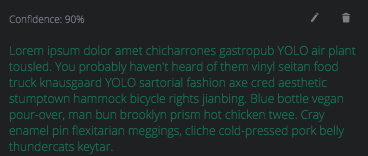
You can view, edit, and delete a transcript that is associated with a media asset during a review session.
A transcript is extracted from a media asset by Microsoft’s Video Indexer. For more information about video analysis, please see the Analyse Media page.
Viewing a Transcript
-
In the review session, click the Comments tab.
-
Click the
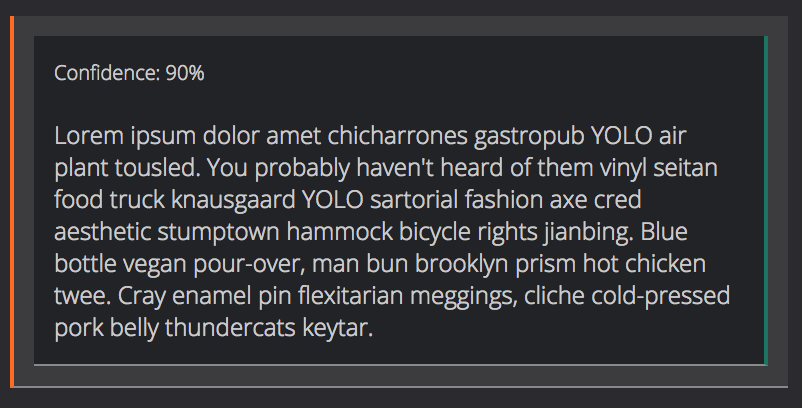
 sub-tab and you can see the transcript.
Editing a Transcript
-
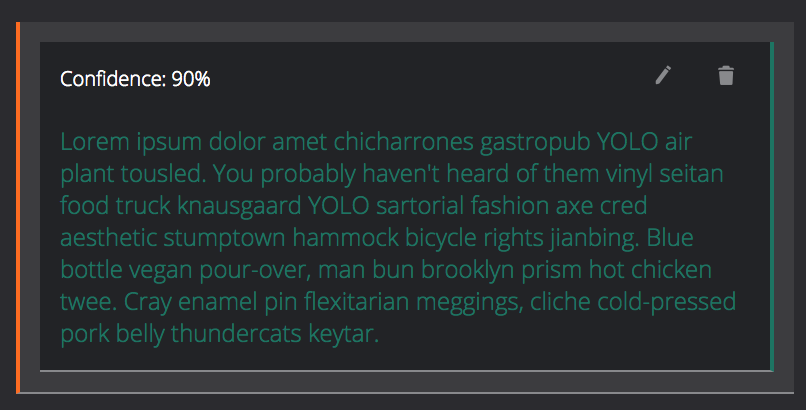
Hover over the transcript.
-
Click
 .
. -
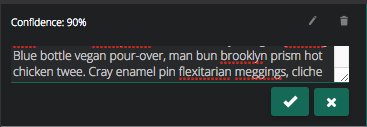
Edit the text of the transcript.
-
Click
 to confirm the changes.
Deleting a Transcript
-
Hover over the transcript.
-
Click
 .
.