Dalet Flex > Legacy Articles > Flex MAM (Deprecated) > Assets > Group Assets > Group Asset Summary Panel > The Details Tab
Dalet Flex documentation has moved!
This page is no longer actively maintained. For the latest documentation, please visit us at our new support portal: https://support.dalet.com
The Details Tab
You can view and change the summary details for a group asset directly in the Details tab, such as the membership name.
To edit summary details:
-
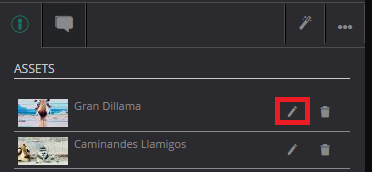
Click the Edit option next to the field you wish to change. For example the Membership Name field.
-
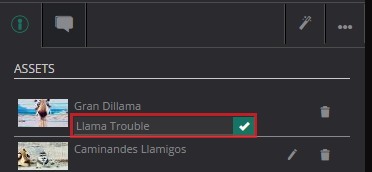
Make your changes to the field, and click the tick icon.