Dalet Flex documentation has moved!
This page is no longer actively maintained. For the latest documentation, please visit us at our new support portal: https://support.dalet.com
User Groups
User groups are used to segregate users within an account, sub-account, or the root account for the purposes of:
- Assigning event notifications
- Assigning tasks
- Workspace membership
- Metadata field access
Most importantly, a user group represents a collection of users that share a specific task. Typically a task is assigned to a user group.
The following properties can be viewed at user group level:
- Members: A collection of users that belong to this user group. (A user can belong to more than one group)
- Account: The account that the user group belongs to.
Creating User Groups
-
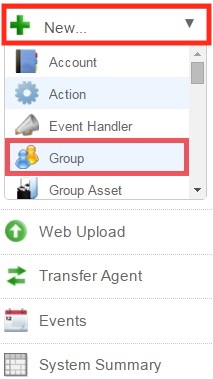
On the toolbar, click New and select Group from the drop down menu.
-
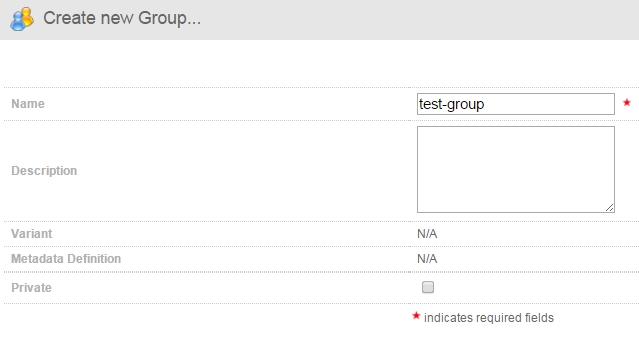
In the Create a new Group… screen, enter the details for your new group.
-
If you want to make the group private, check the Private checkbox. If a group is a Private group, only members and owner of the group can edit the group or see the other members of the group.

-
Once you are happy with your settings, click Save.

Adding Members to the Group
-
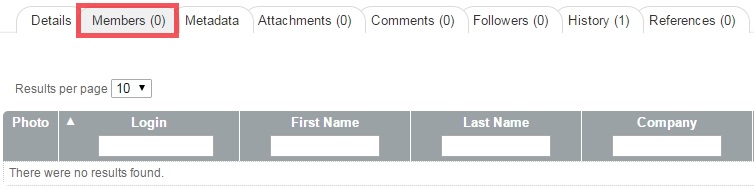
In the Group Details screen, click the Members sub-tab.
-
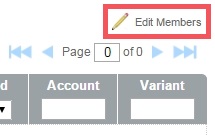
In the Members sub-tab, click Edit Members .
-
To add a member, select a user from the Non-Members box, and click the Arrows icon.
-
The user will then be added to the Members box.
-
When you have finished adding members to the group, click Save to finalise.
-
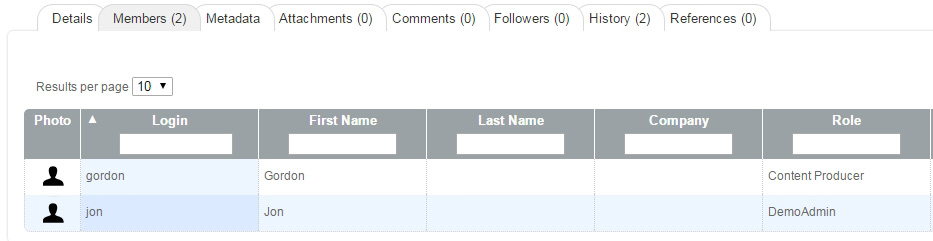
Now, when you click on the Members sub-tab, you will see all the members you have added to the group.
Enabling a Group
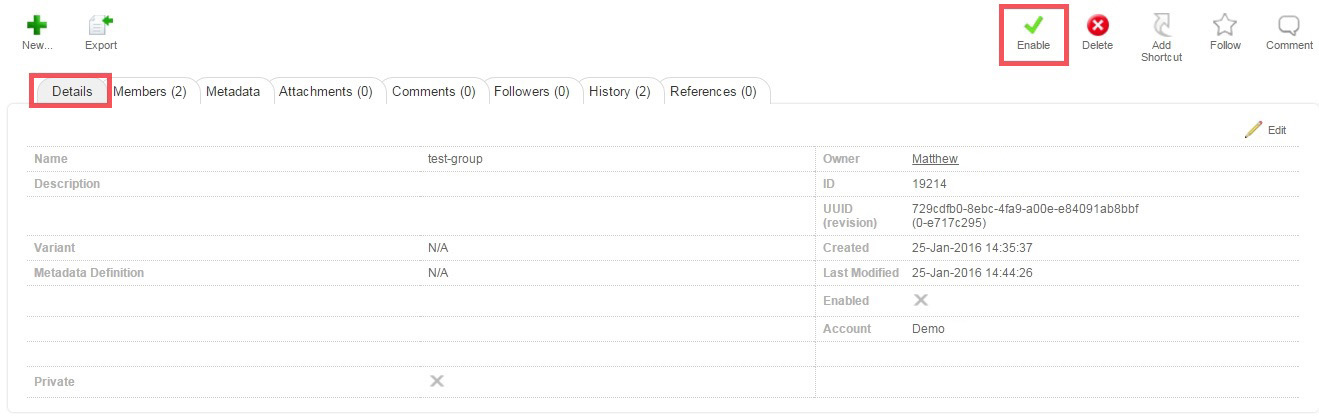
To enable a group, navigate to the Group Details screen, and click the Enable option.
Synching IDP Groups with Flex using an External ID
For integrations with SAML IDPs, you can synch IDP groups with Flex groups using the external ID from the SAML authentication account.
- In the Access tab, select Account and select the account you are synching to.
- In the Metadata sub-tab, click Edit.
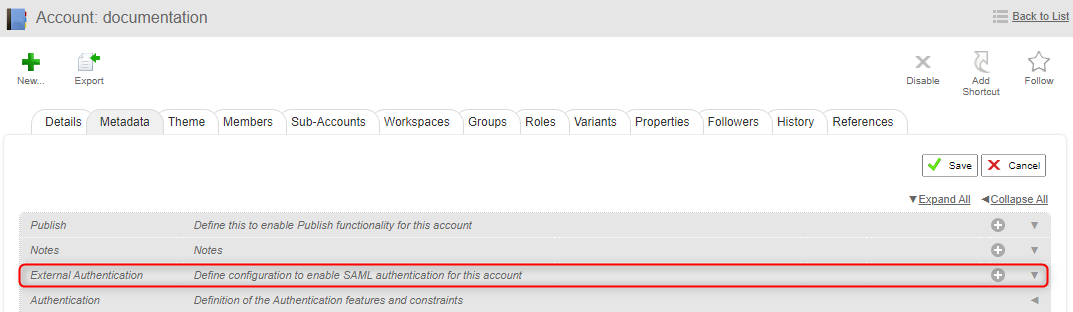
- In the External Authentication section, click
 and then in the SAML Authentication section, click .
- Select the Enable IdP to Flex Group membership sync check box.
- In the Synchronization through Group External ID field that is displayed when you select the check box, add the IDP label that is used as a reference for Flex groups.

- Save the changes.
- In the Access tab, select Group and select the Flex group that you want to synch to the SAML IDP.
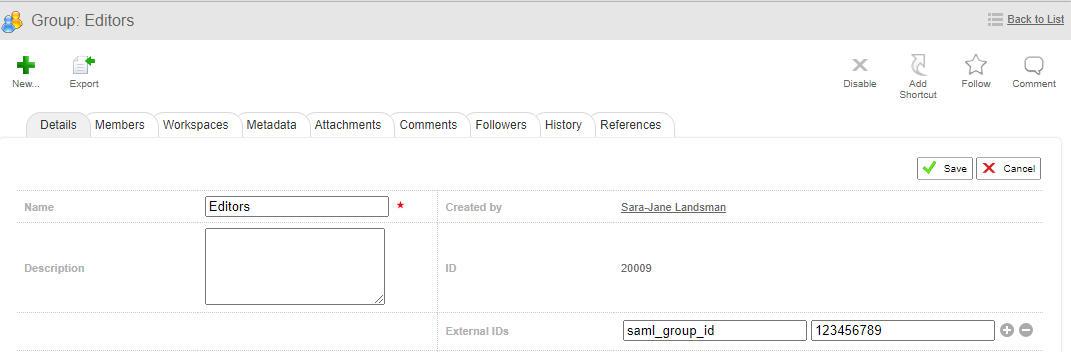
- In the Details tab, click Edit.
- In the External IDs Key field, add the name of the External Group ID you configured for the account and in the Value field, add the IDP group ID. This value can be a group name or a UUID. Do the same for all Flex groups you want to synch to the SAML IDP.