Dalet Flex > Legacy Articles > Flex MAM (Deprecated) > Assets > Timelines > Deleting a Timeline Marker
Dalet Flex documentation has moved!
This page is no longer actively maintained. For the latest documentation, please visit us at our new support portal: https://support.dalet.com
Deleting a Timeline Marker
To delete a timeline marker, follow these steps:
-
Click the Timelines tab.

-
Click the Timeline Markers
 icon.
icon. -
From the list, select a specific timeline marker.
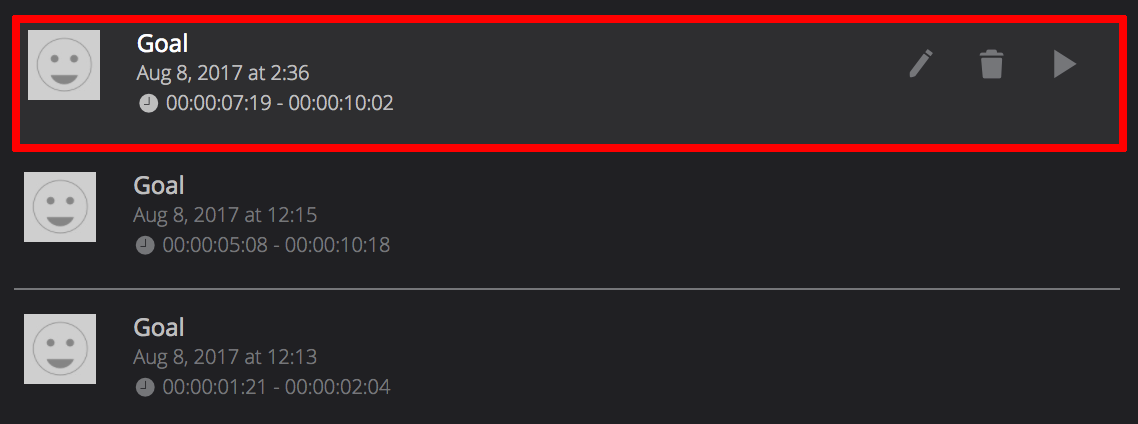
-
Click the Delete
 icon.
icon.