Dalet Flex documentation has moved!
This page is no longer actively maintained. For the latest documentation, please visit us at our new support portal: https://support.dalet.com
Default Collections
The default collection option enables you to select a collection, and then effortlessly add and remove assets from that particular collection.
To set a collection as the default collection:
-
On the MAM dashboard, click the Default Folder
 icon located on the top toolbar.
 -
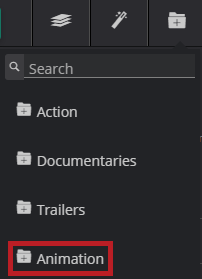
Select a collection from the drop down menu.
-
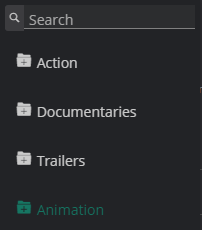
When you select a collection as a default, the text colour will change to a dull grey, as shown below.
-
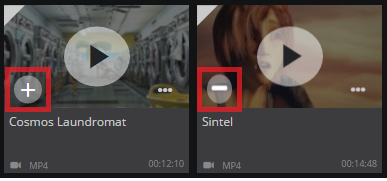
Once you have selected your default collection, you can add assets to that collection, or remove assets from the collection.
- To add an asset to the default collection, simply hover over the asset tile, and then click the + icon.
- To remove an asset from the default collection, simply hover over the asset tile, and then click the - icon.
To deselect a collection as the default collection:
Click on the collection in the menu, and it will no longer be selected.