Dalet Flex documentation has moved!
This page is no longer actively maintained. For the latest documentation, please visit us at our new support portal: https://support.dalet.com
Running a Wizard Against a Collection
You can run a wizard against a collection of assets, or against assets residing in a particular workspace within a collection.
Running a Wizard Against an Entire Collection
-
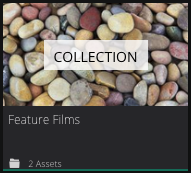
Click on a collection tile.
-
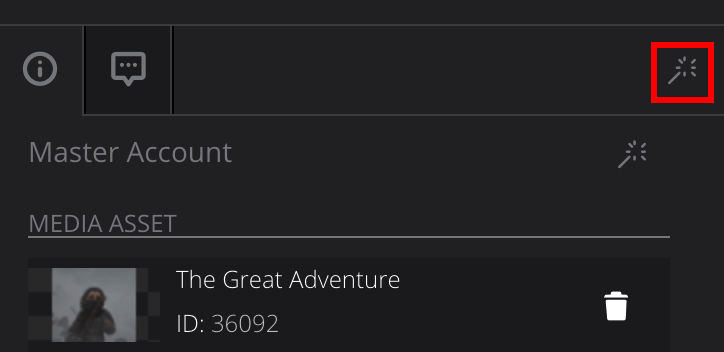
In the Collection Summary panel, click
 in the top-right corner of the panel.
-
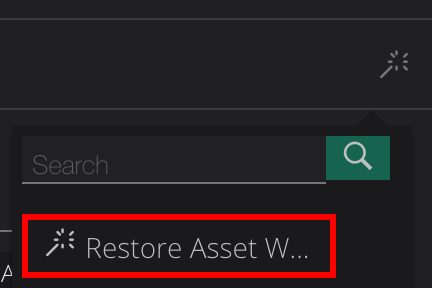
From the drop down menu, select the wizard you would like to run.
-
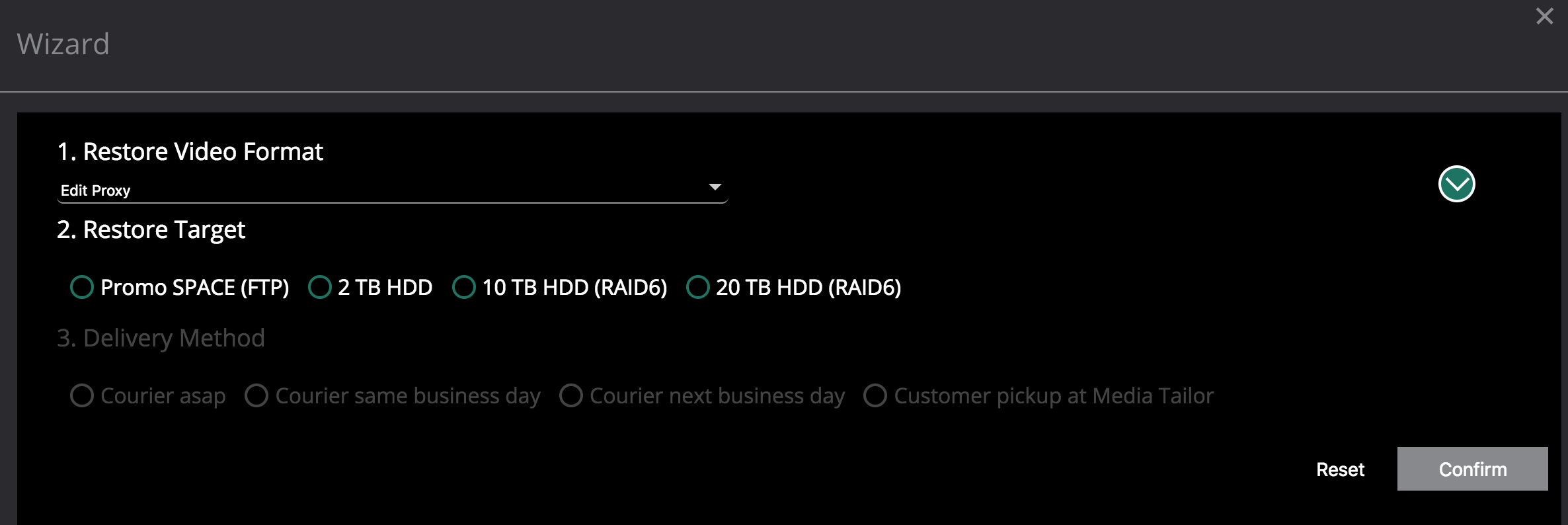
In the Wizard window, navigate through the wizard screens. Once you have done this, you can run the wizard.
Running a Wizard Against Assets in a Particular Workspace
-
Click on a collection tile.
-
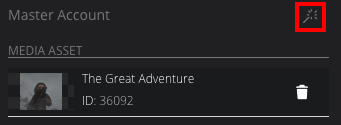
In the Collection Summary panel, click
located above a particular workspace.
-
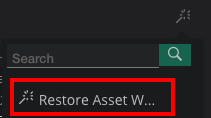
From the drop down, select the wizard you would like to run.
-
In the Wizard window, navigate through the wizard screens. Once you have done this, you can run the wizard.