Dalet Flex documentation has moved!
This page is no longer actively maintained. For the latest documentation, please visit us at our new support portal: https://support.dalet.com
Creating a Collection
There are two ways to create a collection.
Method 1
-
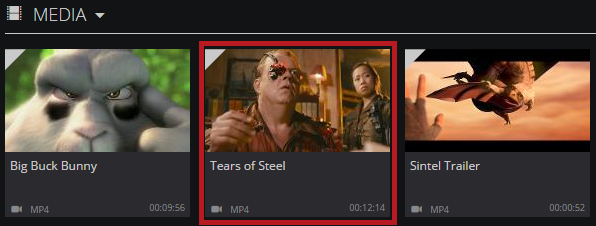
Navigate to an asset that you wish to place in your new collection.
-
Hover over the asset, and click the Folder icon.

-
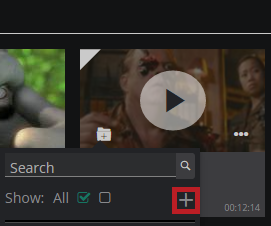
From the menu, click the Add New Collection icon.
-
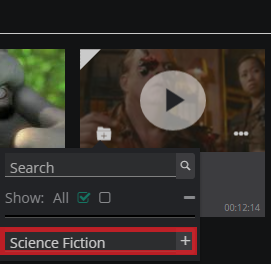
In the New Collection field, enter a name for your new collection.
-
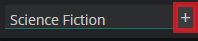
Click the + icon next to the field.
-
Your new collection is then created, with your chosen asset inside. Your new collection will appear in the Collections carousel on the MAM dashboard.
If you have created a collection, only you will be able to see it in MAM.
Method 2
-
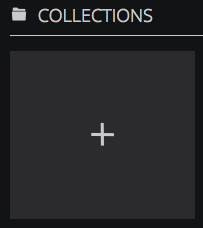
In the Collections carousel, click the + icon.
-
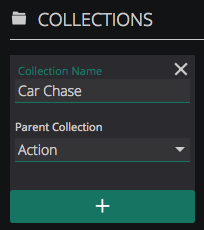
Give your collection a name. You can also choose a parent collection for this new collection if required.
-
Click the + icon, and your new collection will be added to the carousel.