Dalet Flex documentation has moved!
This page is no longer actively maintained. For the latest documentation, please visit us at our new support portal: https://support.dalet.com
Configuring Concurrent Workflow Quotas
Configuring Concurrent Workflow Quotas
To ensure a high level of control over resource usage, it is important to limit the number of concurrently running workflows in tenant accounts hosted by a particular root (master) account. Quotas are available to manage the concurrency of individual jobs running in a workflow and they are also available to limit the number of running workflows. Quotas for workflows are configured using three limits that are defined per account type:
| This quota | Is assigned at | And specifies |
|---|---|---|
| Total concurrent workflows | Root account level | The total number of workflows that can be executing concurrently in a tenant account and all its sub accounts. The limit is set by the platform administrators in the master account. To avoid deadlock scenarios, sub workflows are not included in this quota. |
| Concurrent system workflows of a specific type | Root account level | A quota on a system workflow that is defined in the master account and shared to all accounts. A system administrator can set the number of concurrent workflow instances of a given workflow definition that are allowed for a given tenant account and all its sub accounts. |
| Concurrent account workflows of a specific type | Tenant account level | A quota on a workflow that is defined in a specific tenant account. An account administrator can set the number of concurrent workflow instances of a given workflow definition that can run concurrently for the account and all its sub accounts . |
The limit of the total concurrent workflows for the account takes precedence over the limit for a workflow type. This means that if the total concurrent workflow limit has been reached, no new workflows of any type will be started even if the limit for that workflow type has not been reached. Once a workflow is running, it is counted against the limit until it is completed/failed/cancelled/cancelling. When one of the limits is reached (account or workflow definition), any subsequent workflows remain in a Pending status until a running workflow is completed/failed/cancelled/cancelling.
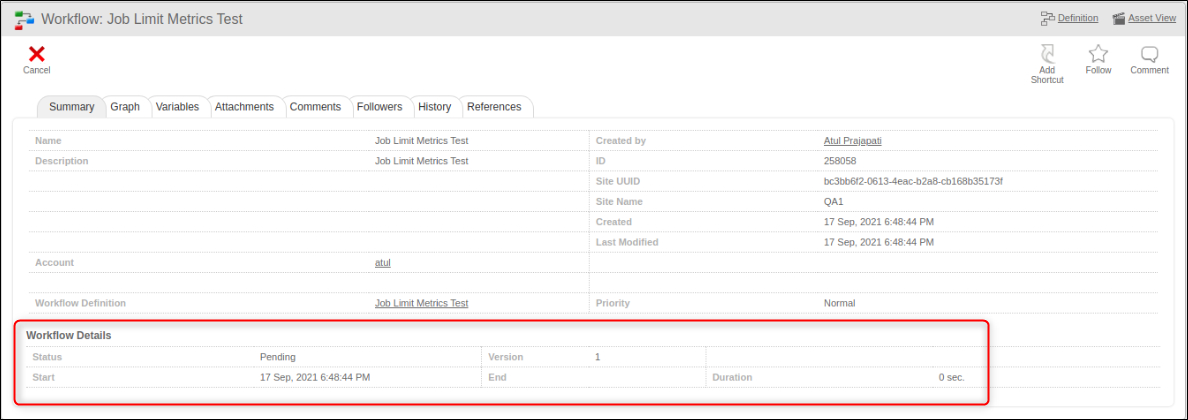
By default no limit is set
To set workflow quotas:
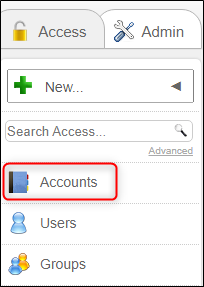
- In the root account, in the Access tab, select Accounts.
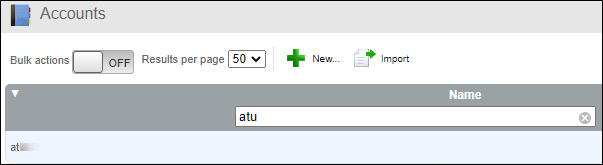
- Select the tenant account you are setting the limit for.
- In the account, in the Metadata tab, click Edit and expand the Limits section.
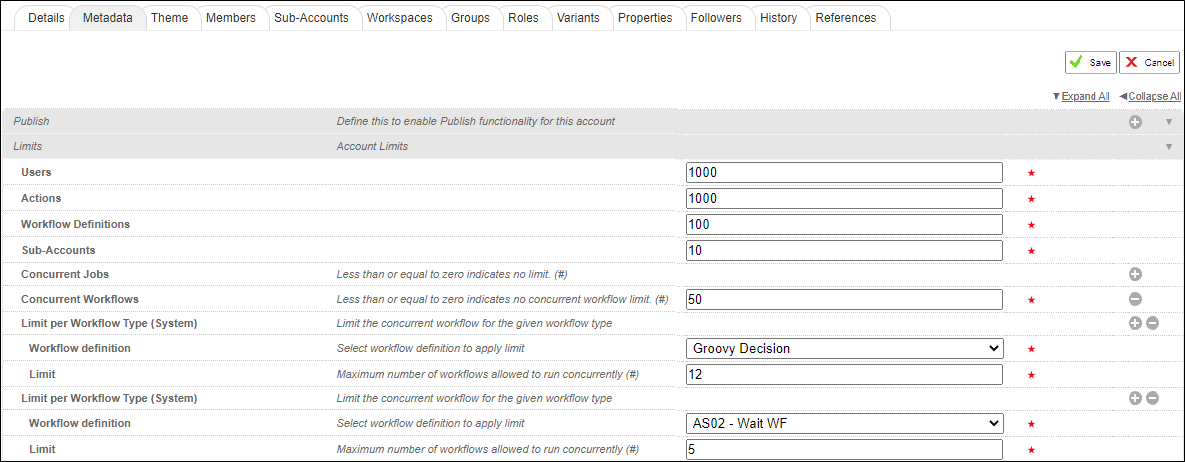
- In Concurrent Workflows field, set the limit of the total number of workflows that can run concurrently on the account. If the value is ≤ 0, there is no limit.
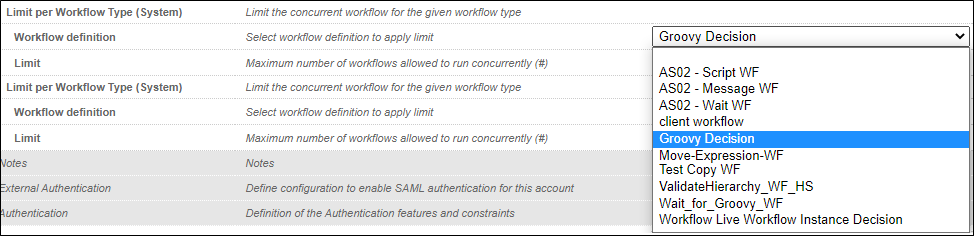
- In the Limit per Workflow Type (System) section, set the limit for the number of system workflows of a particular type that can run concurrently on the account.
- In the Workflow definition field, in the drop down list, select a specific system workflow and in the Limit field, set the limit. Only system workflows that are defined in the root account are displayed in the drop down list. If the value is ≤ 0, there is no limit.
- Click Save to finish.
- Use the
 icon, to set limits for additional system workflows.
 - In the tenant account, select Workflow Definitions.

- Select a workflow that has been configured on the tenant account and in the Summary tab, click Edit.
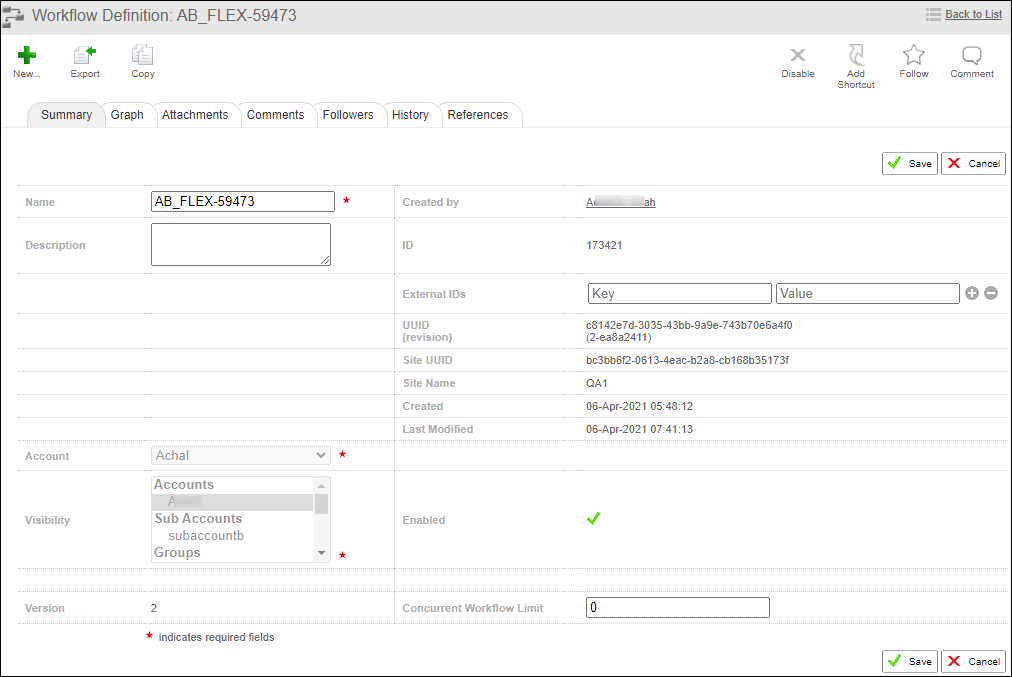
- In the Concurrent Workflow Limit field, set the limit for the number of workflows of this type that can run concurrently on this account. By default, the value = 0 and no limit is set.
- Click Save to finish.