Dalet Flex > Operations > FlexREVIEW > Changing the UI Language
Dalet Flex documentation has moved!
This page is no longer actively maintained. For the latest documentation, please visit us at our new support portal: https://support.dalet.com
Changing the UI Language
You can change the language of the UI in FlexREVIEW.
To do this, follow these steps:
-
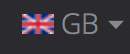
On the FlexREVIEW browse page, on the top toolbar, click the language icon.
-
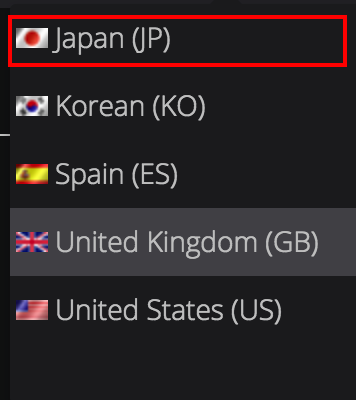
Select a language from the drop down.
-
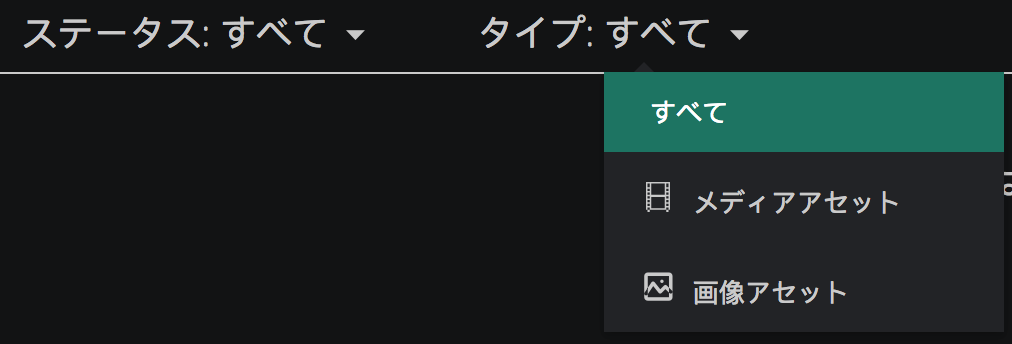
The UI text changes to display the language you have selected.
The languages currently supported in FlexREVIEW are as follows:
- Japanese (Japan)
- Korean (Korea)
- Spanish (Spain)
- English (Great Britain)
- English (United States of America)