Dalet Flex documentation has moved!
This page is no longer actively maintained. For the latest documentation, please visit us at our new support portal: https://support.dalet.com
FlexMAM
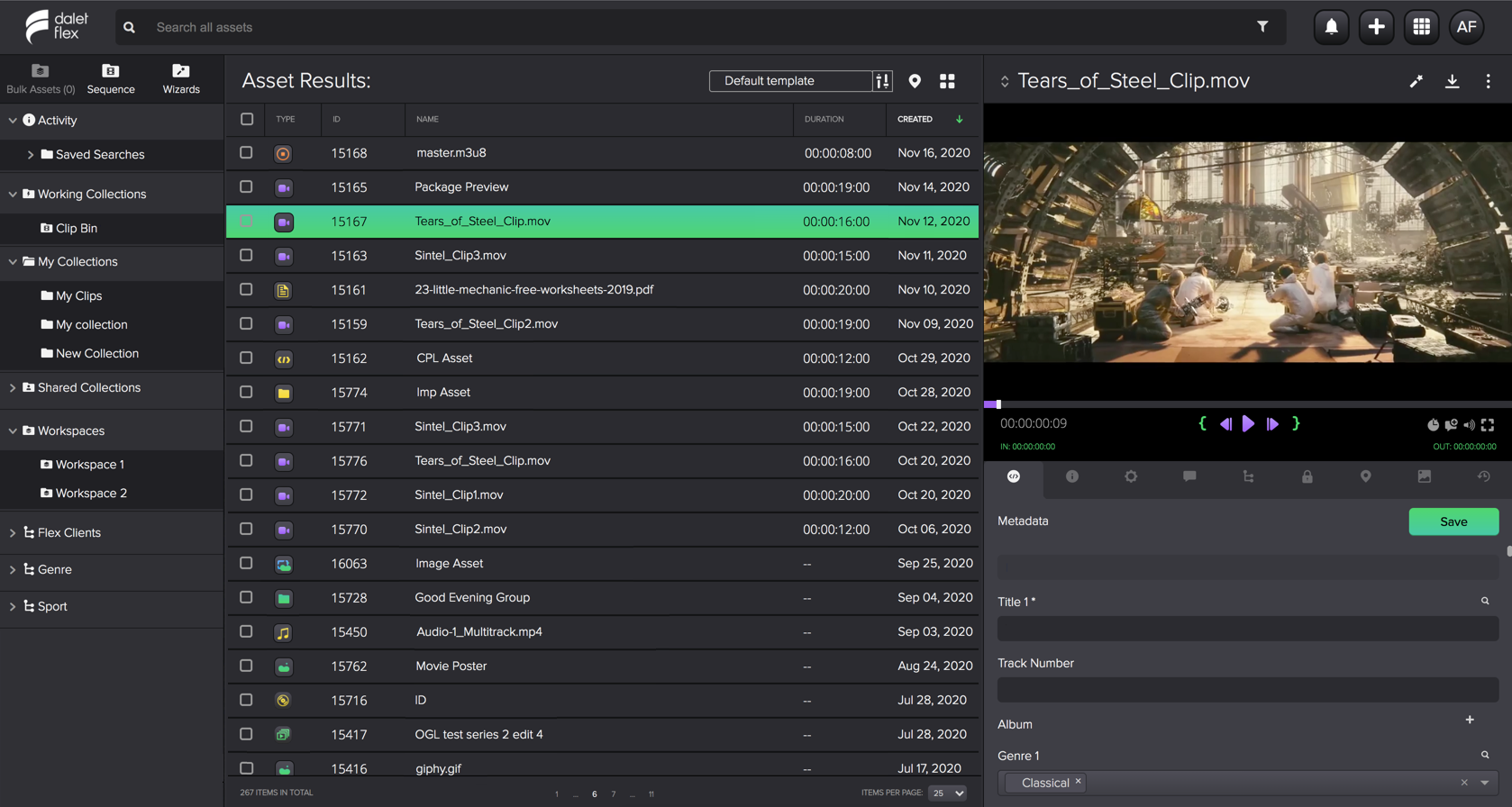
FlexMAM is a highly configurable HTML5-based media asset management application that gives non-technical users and editorial teams the power to perform essential content processing tasks. FlexMAM makes it easy to upload, organize and review assets, search for and update metadata, perform rough cut edits, export EDLs, and trigger workflows. As an integral part of Dalet Flex, FlexMAM can be tailored to match your unique production workflow. That means you can review and collaborate on assets with internal team mates quickly and efficiently.
For optimal performance, it is recommended that you access this application on a computer, with a screen resolution greater than 1366 x 768 pixels, and on a Chrome browser.
With FlexMAM you can: