Dalet Flex > Legacy Articles > Flex MAM (Deprecated) > Assets > Subtitles
Dalet Flex documentation has moved!
This page is no longer actively maintained. For the latest documentation, please visit us at our new support portal: https://support.dalet.com
Subtitles
You can view multiple subtitles / closed captions for the assets you have uploaded.
Displaying Subtitles
-
In the Manage Asset view, click
 located below the player.
 -
From the menu, select the language you wish to view.
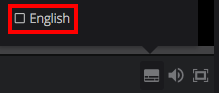
You can only view one subtitle / closed caption at a time. -
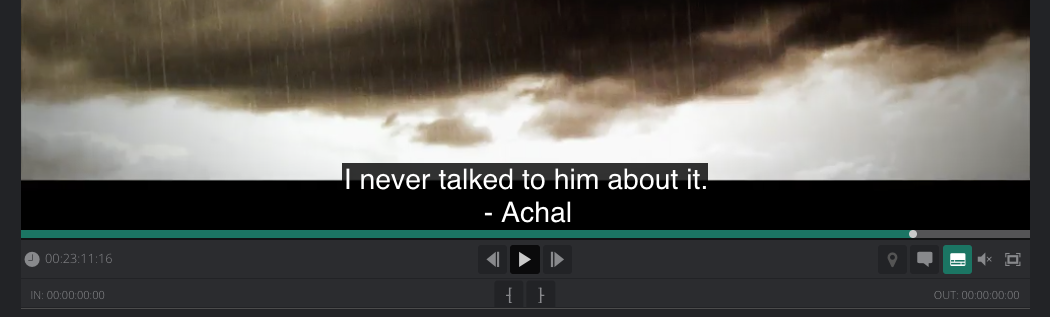
Play the asset and the subtitles appear on top of the video.
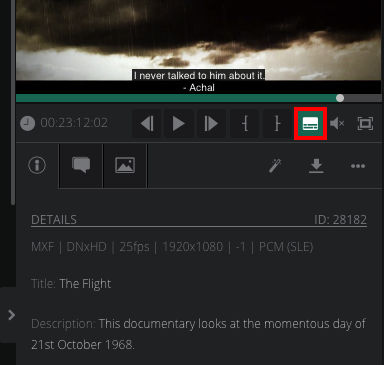
You can also view subtitles in the media asset panel.
 ../..
../..