Dalet Flex > Administration > Flex Core > Assets > Asset Restore
Dalet Flex documentation has moved!
This page is no longer actively maintained. For the latest documentation, please visit us at our new support portal: https://support.dalet.com
Asset Restore
When an asset has been deleted, it can be restored by selecting the Restore action in Dalet Flex. This can be achieved by carrying out the following steps:
-
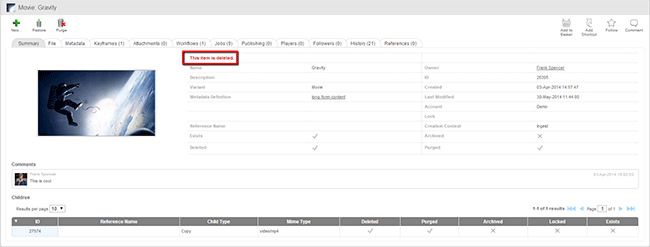
Select the deleted asset.
-
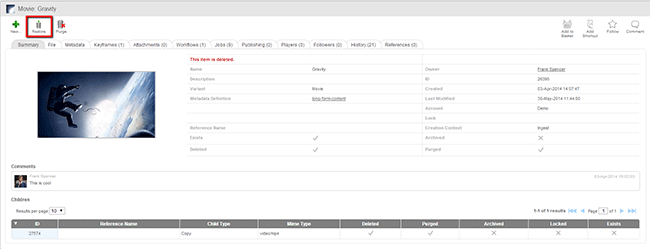
Click the Restore button on the Action toolbar.
-
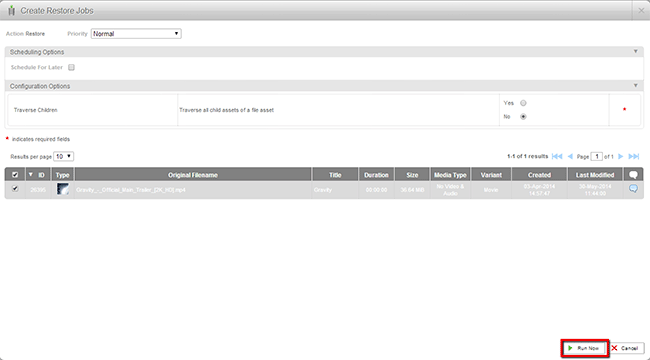
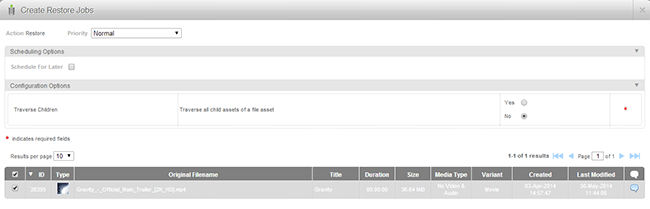
Assign the scheduling and configuration options.
-
Click the Run Now button.