Dalet Flex documentation has moved!
This page is no longer actively maintained. For the latest documentation, please visit us at our new support portal: https://support.dalet.com
Assets
An asset is an object that represents a media file and its metadata, which is managed by Dalet Flex.
Asset types
MAM currently supports the following asset types:
- Media assets
- Group assets
- Image assets
Uploading an Asset
-
In MAM, on the top toolbar, click
 .
. -
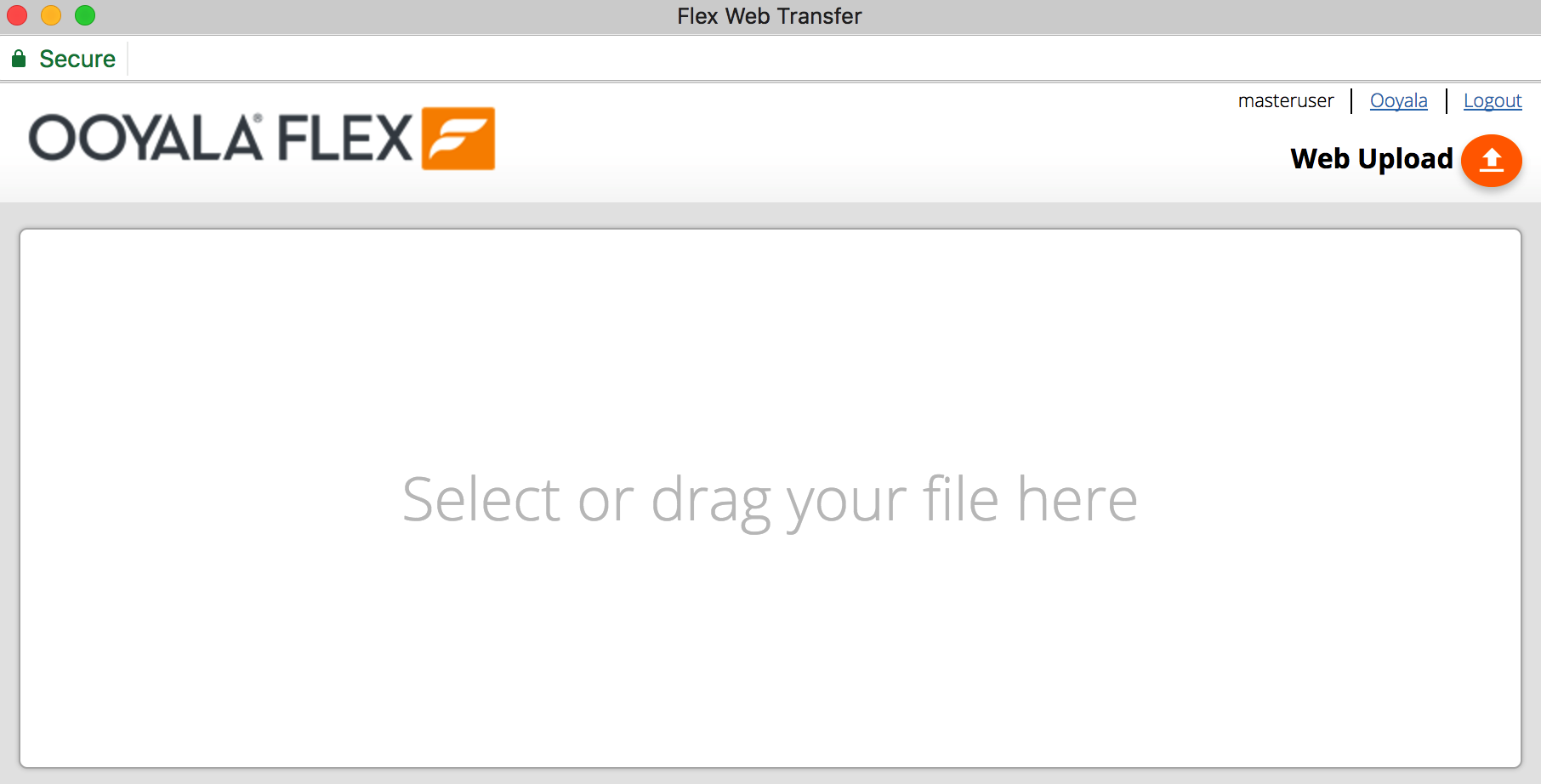
The Web Uploader opens in a new window.
-
There are three ways to upload files:
- Click the Upload
 icon in the top-right corner of the Web Uploader window.
 - Click Select or drag your file here and browse to your selected file on your computer.
- Drag and drop your selected file it into the window.
-
From the Inbox drop down, select an inbox.

-
From the Workspace drop down, select a workspace.

-
If a metadata schema is associated with the inbox, you must fill in any mandatory metadata fields before uploading the asset.
You must click the <b>Save</b> button to save the metadata. This is located at the end of the metadata fields. If you don't save your metadata, you will be unable upload the asset. -
Click Upload File.

-
As the file uploads, you will see a bar showing the progress of the upload.

You can still apply bulk metadata to multiple files that are not part of a bulk upload.