Dalet Flex documentation has moved!
This page is no longer actively maintained. For the latest documentation, please visit us at our new support portal: https://support.dalet.com
D— title: Asset Download weight: 20
You can download an asset that you have ingested into Dalet Flex.
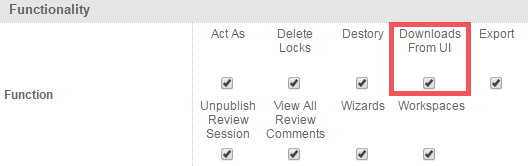
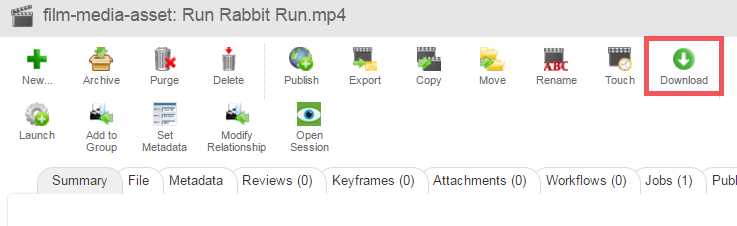
In order to be able to download an asset, you must have the “Downloads From UI” permission selected for your role. If you do not have this permission selected, then the Download button will not appear in the Actions toolbar above the asset.
You can find this permission, by navigating to your chosen role, clicking the Permissions sub-tab, and then scrolling down to the Functionality section.
To download an asset
-
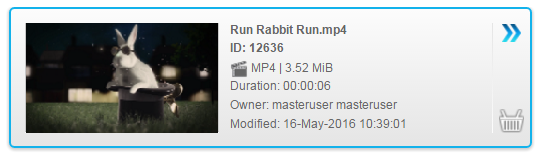
Select an asset that you wish to download.
-
In the Asset Details section, click the Summary sub-tab.

-
On the Actions toolbar, click the Download option.
-
The asset is downloaded to your Downloads folder.