Dalet Flex documentation has moved!
This page is no longer actively maintained. For the latest documentation, please visit us at our new support portal: https://support.dalet.com
FlexADMIN
FlexADMIN allows users and administrators to manage users, groups and workspaces in an account. You can create users, groups and workspaces and you can add/remove members to/from groups and workspaces. In addition to managing users, groups and workspaces, FlexADMIN allows you to manage accounts and application settings.
Logging in to FlexADMIN
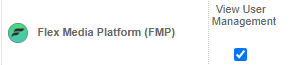
FlexADMIN is an integral part of your Dalet Flex account. You must have rights to access FlexADMIN. In Roles permissions in Flex Enterprise, in the User Interface section, the View User Management option for Flex Media Platform must be selected . Learn more about roles and permissions here.
Login by adding
/fmp/admin
to the end of the URL for your account and platform. For example:
https://youraccount.platform.net/fmp/admin
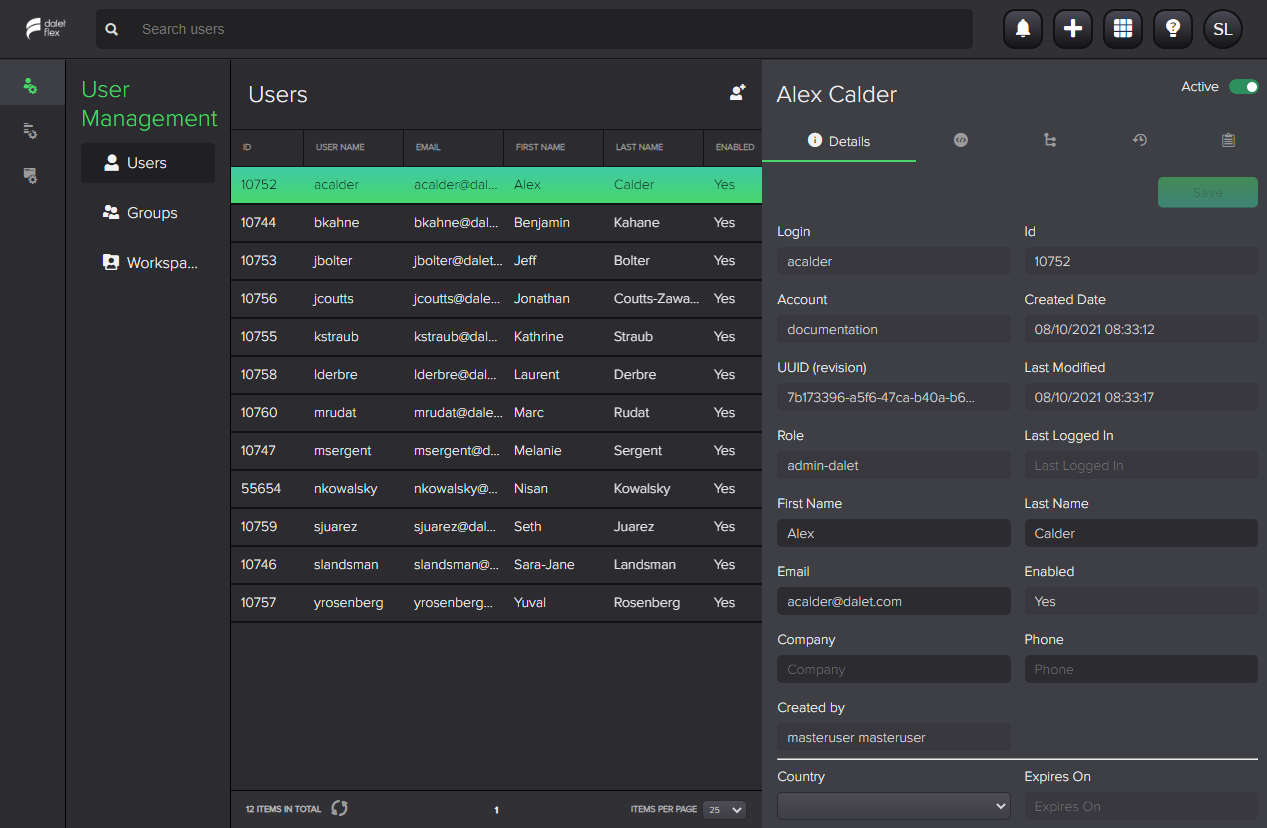
When you login, FlexADMIN opens on the User Management tab.
Introduction to FlexADMIN interface

The FlexADMIN interface includes these sections:
| Section | Name | Used to… |
|---|---|---|
| A | Header | Perform search, View notifications and tasks, Add assets, Switch apps, View your profile |
| B | User Management | Manage users and groups and workspaces |
| C | Account Management | Manage accounts, account settings and themes |
| D | Application Settings | Manage Global settings and FlexMAM settings for accounts |
| E | Active menu | Manage the options in the menu |
| F | Object List | Object list (users, groups, accounts etc) and search results |
| G | Summary Tabs | Toggle between tabs to view information for selected object: details, metadata, memberships etc |