Dalet Flex documentation has moved!
This page is no longer actively maintained. For the latest documentation, please visit us at our new support portal: https://support.dalet.com
Account Management
In the Account Management menu you can manage the settings and themes for your account and sub-accounts. You can set the storage folders, authentication parameters and password policy settings required to set up your account. If you are logged into a master account, you can manage all the accounts on the master account.
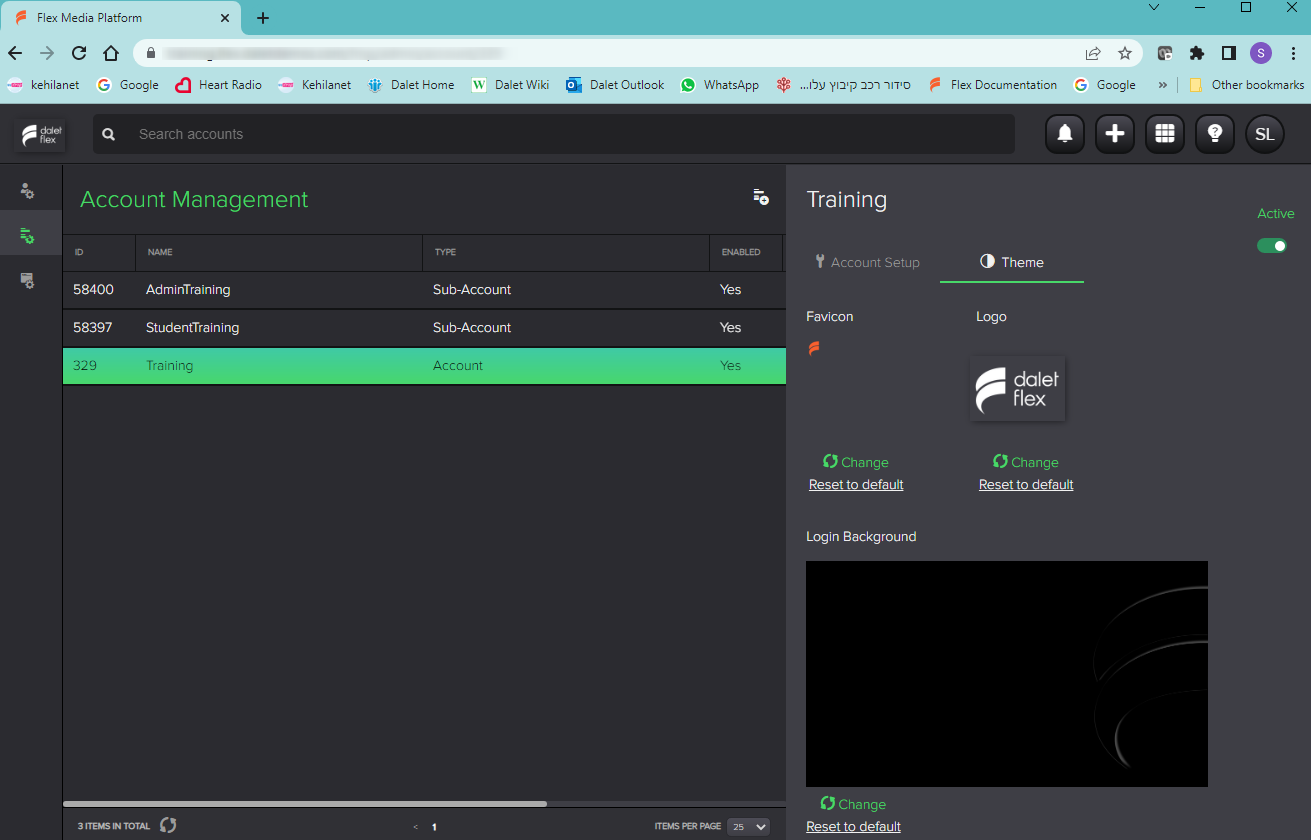
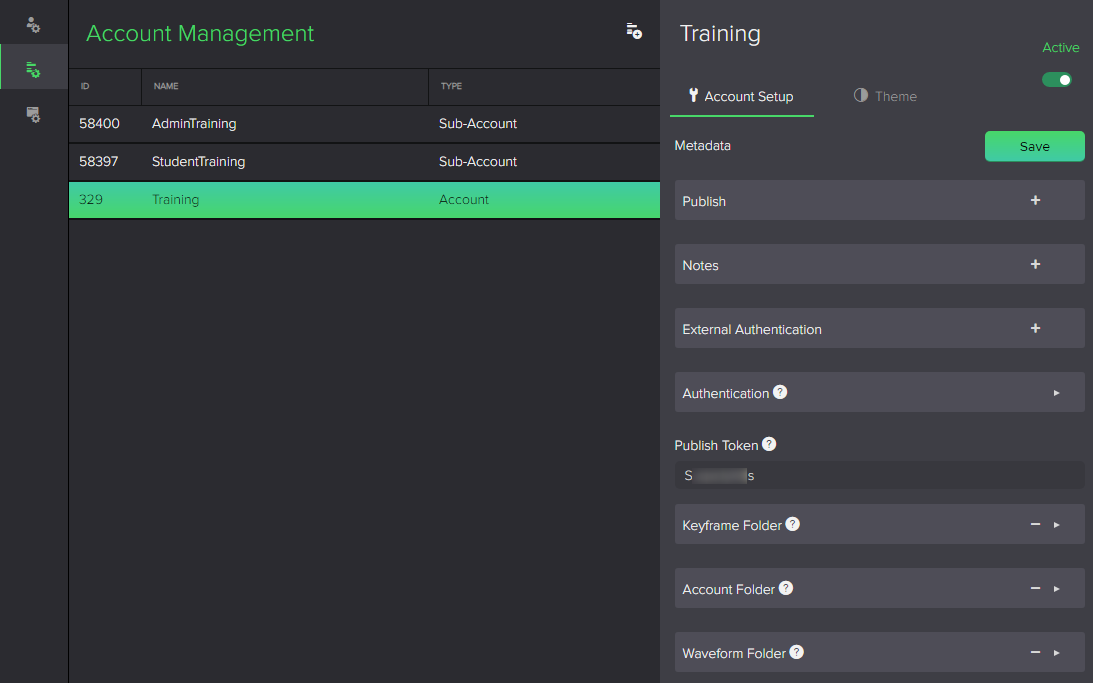
When you select the Account Management menu,  , the accounts and sub-accounts in your environment are displayed in the Object List.
 .
.
Select an account or sub-account to view its details in the Summary tabs.
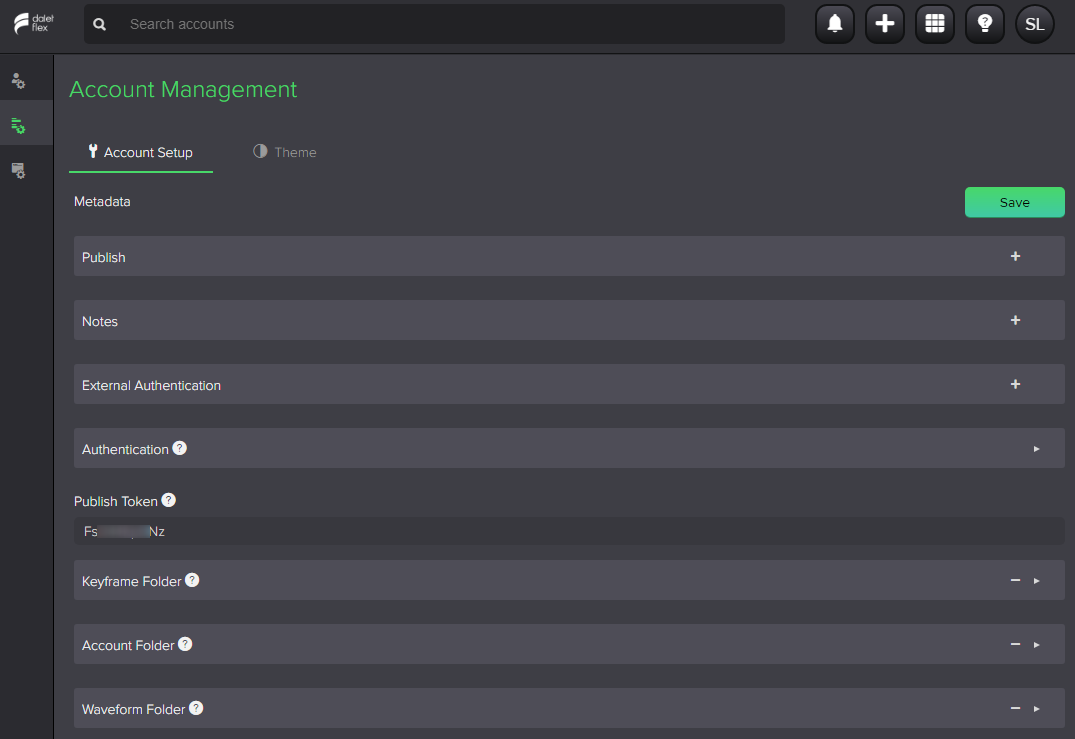
If you have only one account on your environment, the Account Setup tab for the account is displayed.
 .
.
In the Summary panel, you can view and edit some of the settings for the selected account in these tabs:
- Account Setup: Manage the account metadata in the Metadata form
- Theme: Customize your FlexMAM interface
The following parameters can be set in the Metadata form in the Account Setup tab:
- Publish: Select a storage resource to enable FlexB2C (Publish) for this account
- Notes: Add Notes about the account
- External Authentication: Configure SAML authentication for the account
- Authentication: Set the authentication settings, such as how long before a user account is locked, session activity threshold etc.
- Password: Set the password policy parameters, such as maximum and minimum length
- Validation Types: Select the password validation type and its properties, such as type of sequence, regular expression or custom configuration
- Publish Token: Set the shared token for the account. This is used for authentication of FlexB2C calls
- Keyframe folder: Select a folder for storing keyframes
- Account folder: Select a folder for storing account data
- Waveform folder: Select a folder for storing waveforms
No information is displayed in the Account Setup tab for a sub-account.
In the Theme tab, you can upload files to customize the FlexMAM interface. Set a Favicon, Logo and Login Background (max size 13MB) for the selected account or sub-account.