Dalet Flex documentation has moved!
This page is no longer actively maintained. For the latest documentation, please visit us at our new support portal: https://support.dalet.com
Workspaces
You can access any workspaces that you have the permission to see in MAM. You can also view workspace properties and edit any associated metadata.
Filtering to a Specific Workspace
-
On the top toolbar, click the Workspaces
 icon.
icon. -
From the dropdown, select a workspace.
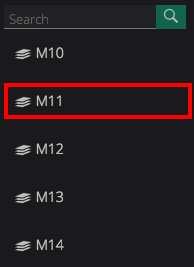
-
When a workspace is selected, the text turns a faint grey.
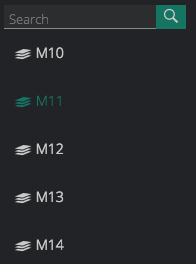
-
You will see all the media assets, image assets, group assets, and clips that exist within that workspace in the respective carousels.

Viewing All Workspaces
-
In the Workspaces drop down, click the arrow next to the See All option.
-
You are taken to the Browse: Workspaces page, where you can see all the workspaces represented by a tile.
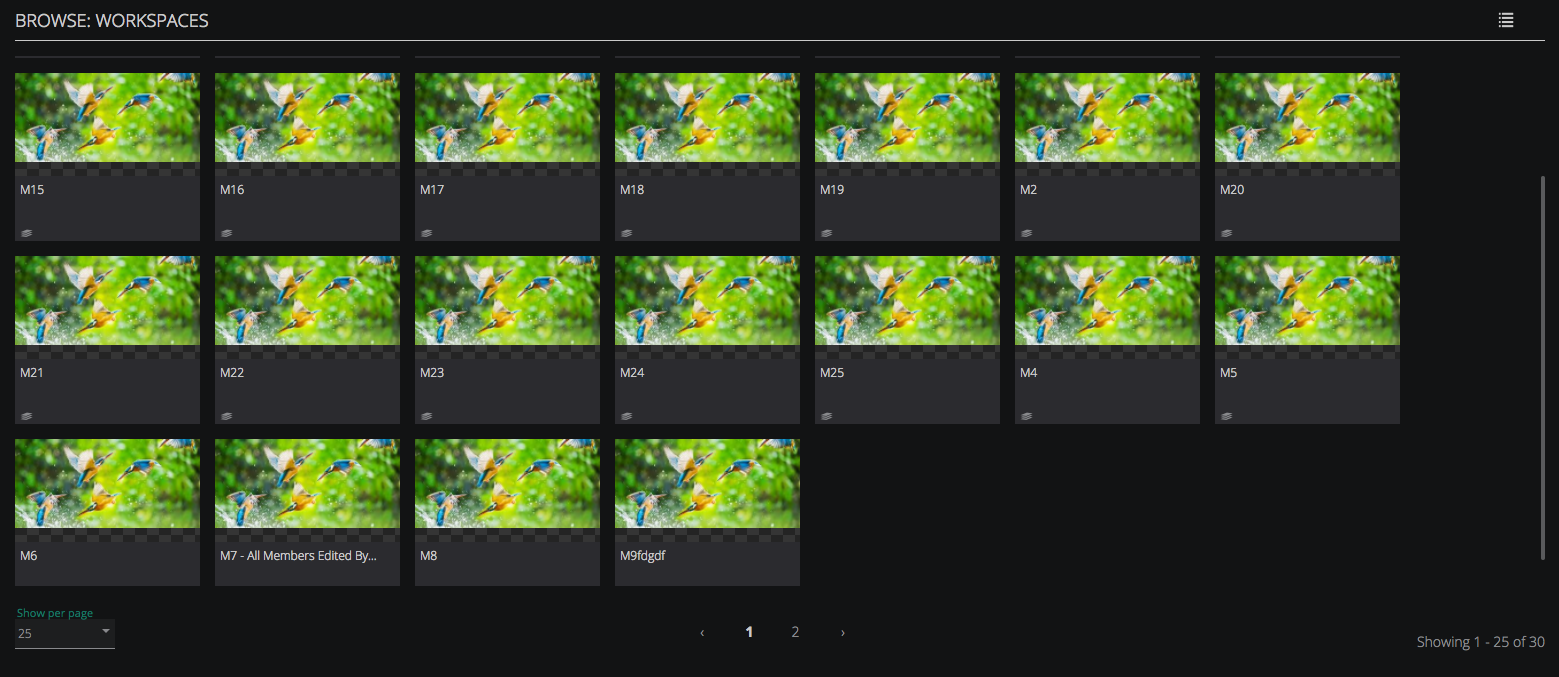
Notes:
- You can view a list of workspaces in either a tile view, or list view. To switch between the two, click the toggle icon
 located in the top right-hand corner of the page.
 - Clicking the See All option in the Workspace drop down sets the filter to all assets.
- When you click on a workspace tile, the Workspace Summary panel will appear on the right-hand side of the screen.