Update or add consul Key Values
Consul Key Values are used to configure flex. Services load the key values at startup. Adding or modifiying a key value can require restart of the related service(s)
flex installation scripts
ansible vault password
access to all flex hosts through ssh using an ssh key (you can use passwords too, please read ansible documentation for this)
Modifying key values must be taken with care as this can deeply affect the application behavior
Update through the deployment scripts (highly recommended)
Using Dalet collection deployment scripts to define Key Value
Adjusting key value requires to add or update the variable dalet_flex_services_settings_custom into the ansible variables.yml file
example:
dalet_flex_services_settings_custom:
  [
    {
      key: "flex/flex-jobasyncexecutor-service/securityPolicyPermissions",
      value: "{{ lookup('file', '../../../../../files/jae_securityPolicyPermissions.json') }}",
    },
    { key: "flex/shared/featureToggles/flexUploaderAppEnabled",
      value: "true"
    },
  ]
It is defined as an array (shown with []) that contains items (shown with {}) or two values : the key name and the value.
Note each item {} is separated by a comma (,), including the last one.
Once you have set the correct values to the variables.yml you have 2 more steps to complete the change
- run ansible playbook with an ansible tag to only update the docker compose file
ansible-playbook dalet.flex.flex -t consul_kvs -D --ask-vault-pass
We recommend to firstly run the command with the option --check (dry run) to ensure modification match your requirement
Once you have updated the docker-compose file on the hosts you need to connect to the hosts using ssh and run the below command:
cd /flex
docker compose up -d
Always restart the service one by one and wait it reached the healthy state (can be seen using the docker ps command) prior to proceed with the other instances of the service
Using Dalet former deployment scripts to define Key Value
Adjusting key value requires to add or update the variable consul_kvs into the ansible variables.yml file
example:
consul_kvs: [
  { key: "flex/flex-jobasyncexecutor-service/securityPolicyPermissions", value: "{{ lookup('file', 'jae_securityPolicyPermissions.json') }}" },
  { key: "flex/shared/featureToggles/flexUploaderAppEnabled", value: "true" },
]
It is defined as an array (shown with []) that contains items (shown with {}) or two values : the key name and the value.
Note each item {} is separated by a comma (,), including the last one.
Once you have set the correct values to the variables.yml you have 2 more steps to complete the change
- run ansible playbook with an ansible tag to only update the docker compose file
ansible-playbook flex.yml -t consul_kvs -D --ask-vault-pass
We recommend to firstly run the command with the option --check (dry run) to ensure modification match your requirement
Once you have updated the docker-compose file on the hosts you need to connect to the hosts using ssh and run the below command:
cd /flex
docker compose up -d
Always restart the service one by one and wait it reached the healthy state (can be seen using the docker ps command) prior to proceed with the other instances of the service
Update on the hosts
prepare
You will need to connect to one of the consul server to perform this action Please refer to inventory operation guide to find them
You will need a consul token to register into consul
Consul token can be found in:
- flex collection deployment script: located in the ansible
secrets.yml - flex former deployment script: located in the ansible
passwords.yml
This file is encrypted with a vault password. If you do not have the vault password, please check you are allowed to have it or ask for the value to the administrators
To view the file content use the below ansible command. You will be prompted for the vault password
ansible-vault decrypt <file>
Look for the necessary value:
- flex collection deployment script:
vault_consul_master_token - flex former deployment script:
vault_dalet_flex_services_discovery_acl_token_master
Connect
To connect to consul the easiest way is to use ssh to redirect a server port to your local host
ssh <consul_server> -L8500:127.0.0.1:8500
Once connected you will be able to start in your preferred web browser a connection to http://127.0.0.1:8500
There are two reasons for it
- the network security settings can prevent you to access the host using tcp port 8500. using SSSH to redirect the port allows you to access
- the consul application is NOT using
https. Using the ssh port redirect ensure you connection is encrypted when accessing consul, preventing any man in the middle attack
change values
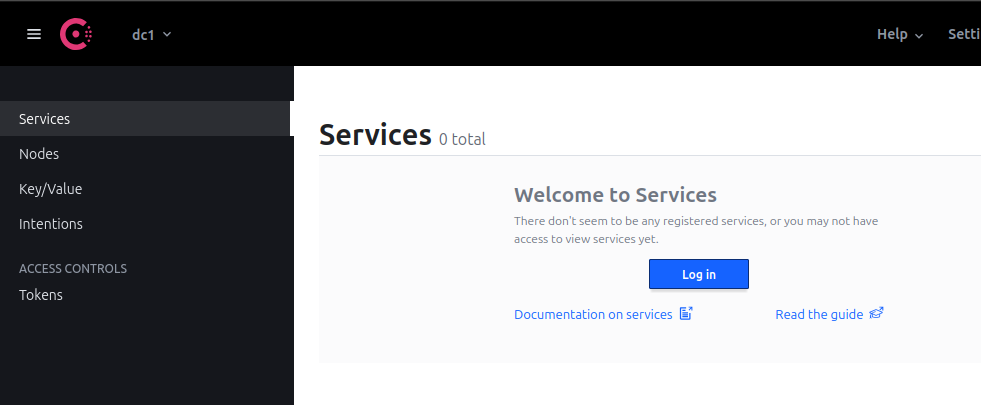
1- Connect to consul. Click on services or nodes menu, it will ask for a Log in
2- login screen
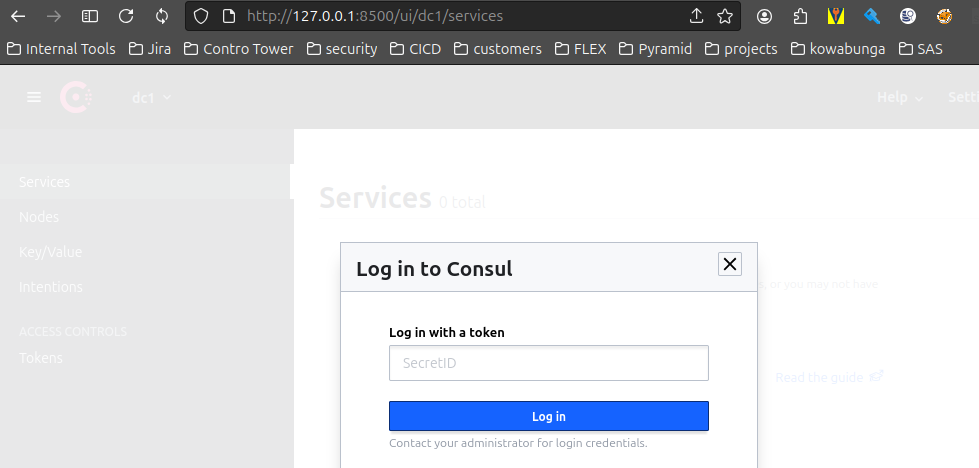
- Add the consul token you previously collected and connect
3- Go to the key/value left pane menu
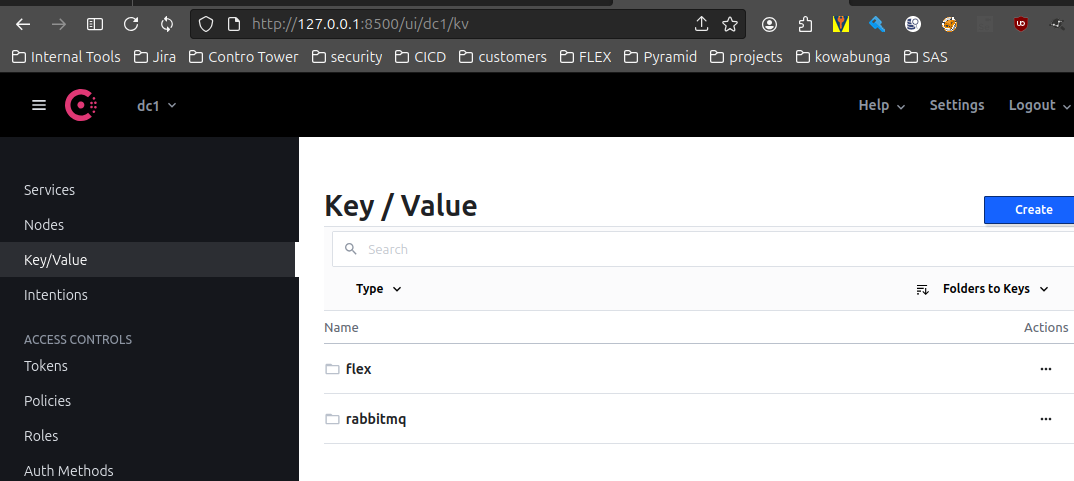
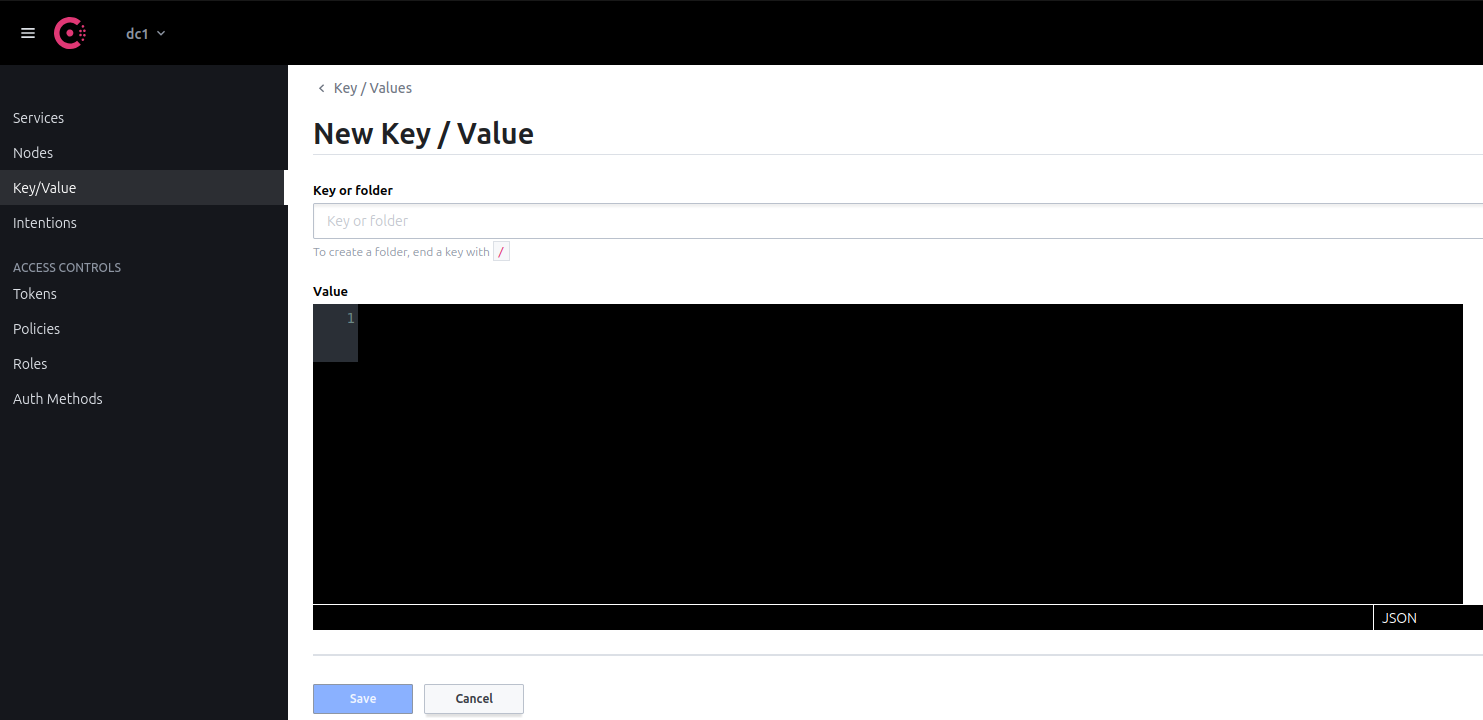
4- Add a key value
- when adding a new key always start from the root (see below screen)
- Your key must start with flex/ (do not try to add a key starting with /flex/)
Most of key values requires a service restart to be taken into account. The impacted service depends on the key. When the key is a global one, common use is to roll restart flex-master flex-job and flex-globaheader-service)
the key value flex/flex-jobasyncexecutor-service/securityPolicyPermissions is instantly read by the jobasyncexecutor service, no need to restart. Any typo error can have immediate impact on running job